
Features
Auto-Updater
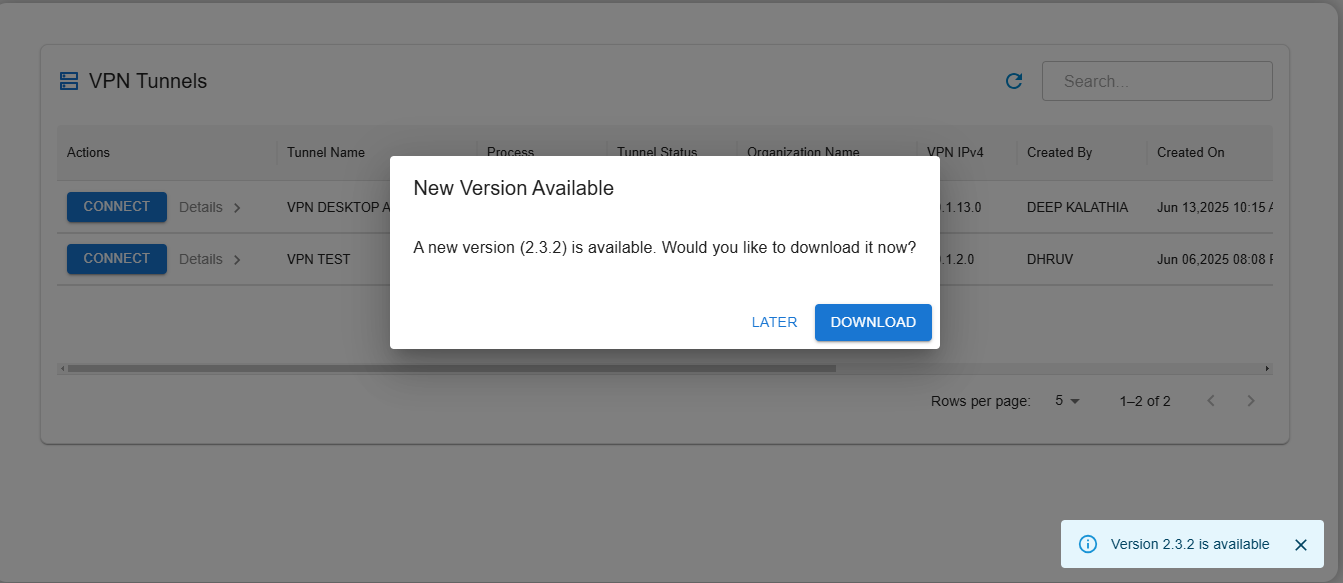
- When the user launches the app, it automatically checks for the latest version.
-
If a new version is available:
-
A dialog box appears prompting the user to download the latest update.
-
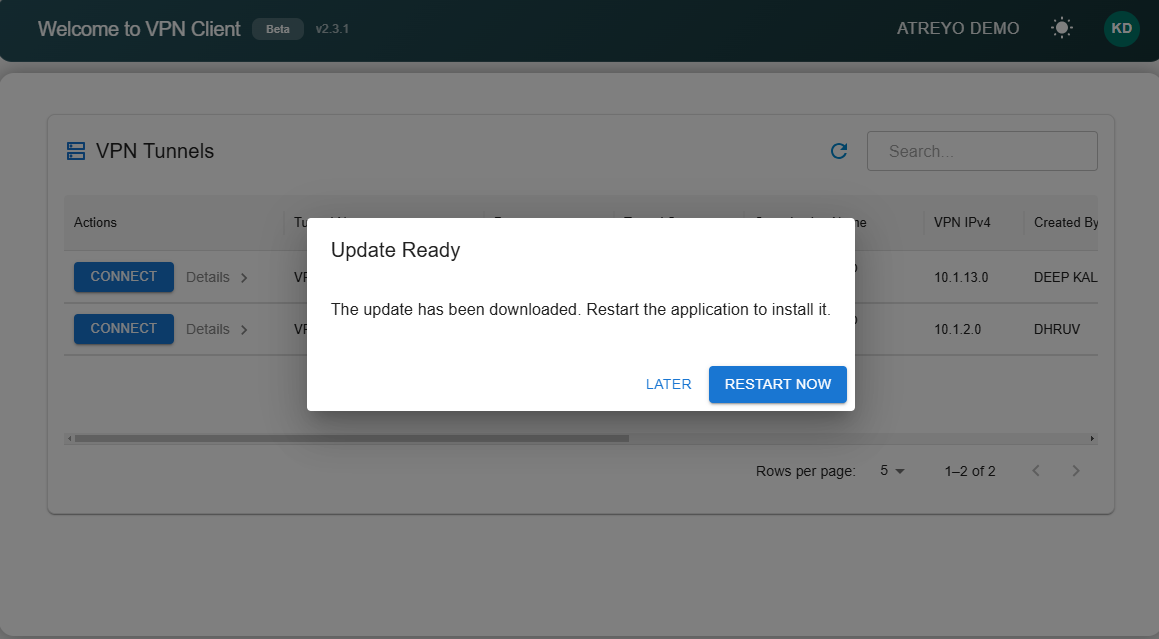
-
After the update is downloaded successfully, the app will show a “Restart” option.
-
Once restarted, the changes will be applied, and the app will run on the updated version.
- If the user already has the latest version, a message will appear:
You have the latest version.
Theme-toggle
-
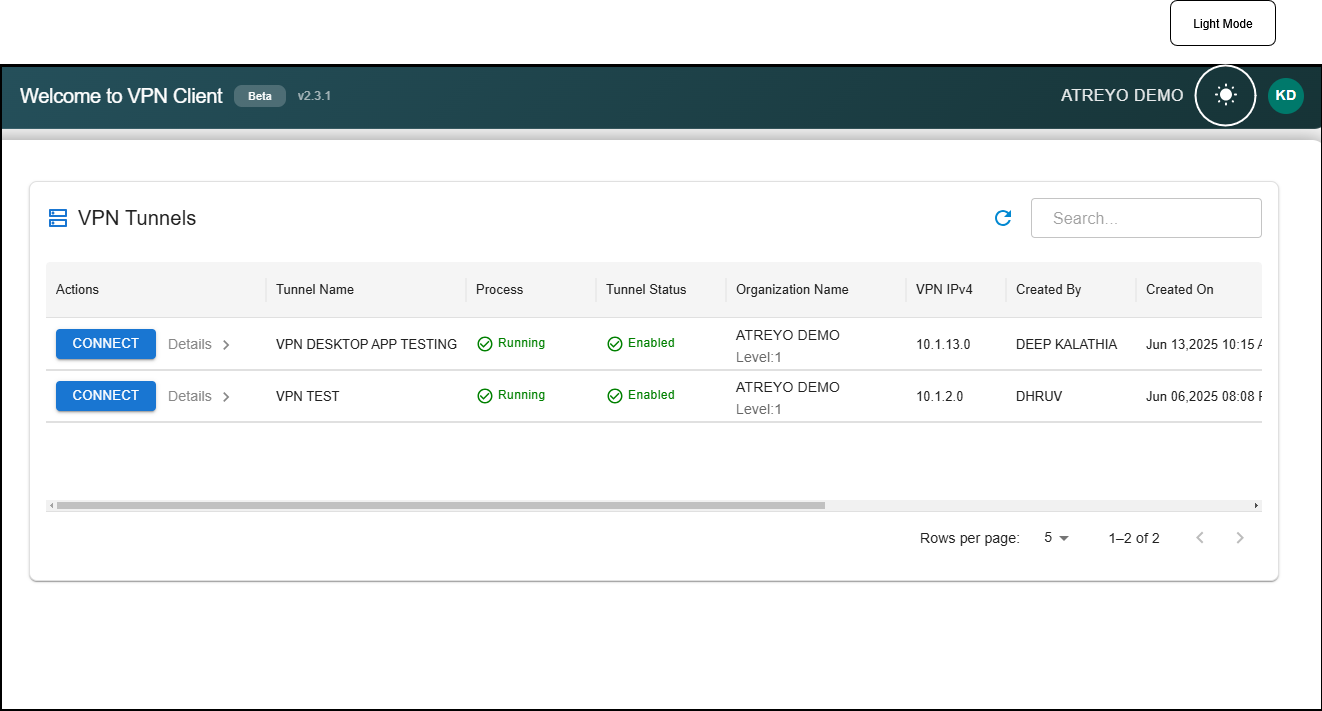
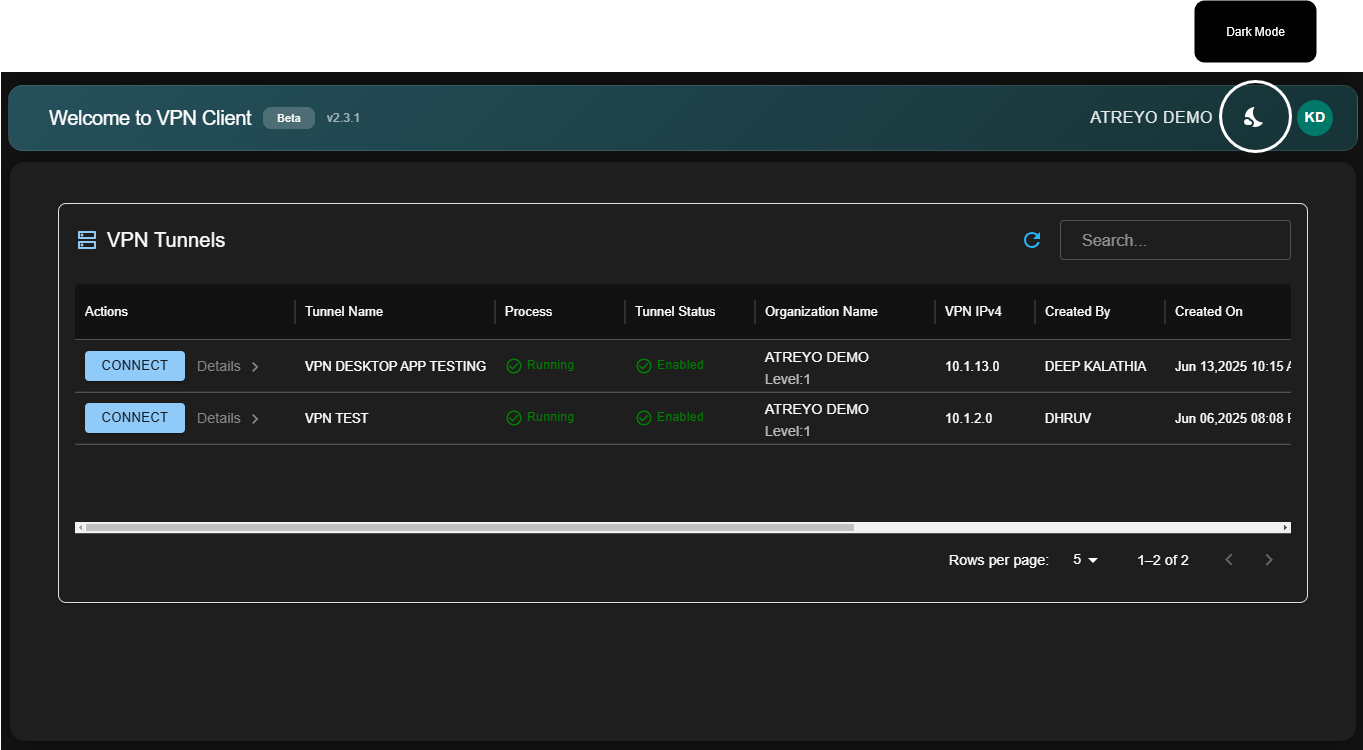
The application provides a Theme Toggle button to switch between Light Mode and Dark Mode.
-
Once a theme is selected, the app remembers the user’s last preference.
-
On the next launch, the application automatically applies the previously selected theme (Light or Dark).