🛠️Troubleshooting
-
Installation Issues
- Windows Protection Screen (Blue Screen Warning):
-
Click More Info → Run Anyway to proceed.
-
Grant Administrator Permission when prompted.
-
- App not launching:
- Ensure you have downloaded the latest installer from the Atra-RMS dashboard → VPN section → top-right Download option.
- Windows Protection Screen (Blue Screen Warning):
-
Login Issues
- Invalid Credentials:
-
Make sure you are using the same login credentials as Atra-RMS.
- Reset your password on the Atra-RMS portal if forgotten.
-
- Auto-Login not working:
-
Check if you have logged out manually (this clears auto-login).
- Re-login once to enable auto-login again.
-
- Invalid Credentials:
-
VPN Connection Issues
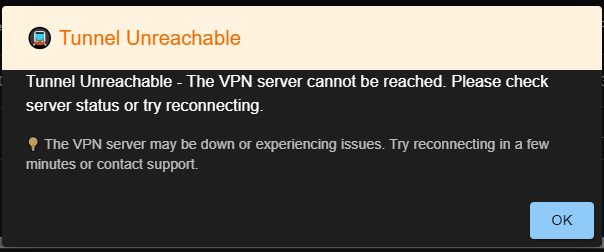
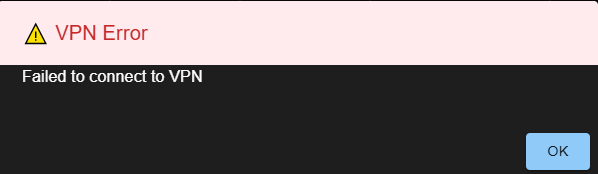
- Unable to connect to a tunnel:
-
Verify that the tunnel is enabled and running.
-
Only one tunnel can be active at a time—disconnect from others first.
-
-
Connection drops frequently:
- Check your internet connection.
-
Device not showing in sidebar:
-
Ensure the device is properly configured in the Atra-RMS portal.
-
- Unable to connect to a tunnel:
-
General Issues
-
App stuck or frozen:
- Close the application and relaunch.
- If the issue persists, restart your system.
- Still not resolved?
-
Contact Atreyo Support with logs and error details.
-
-
-
Internet Connectivity Issues
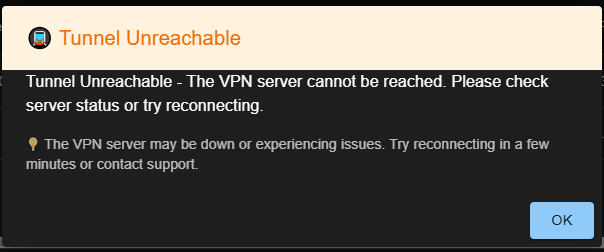
App not working without internet: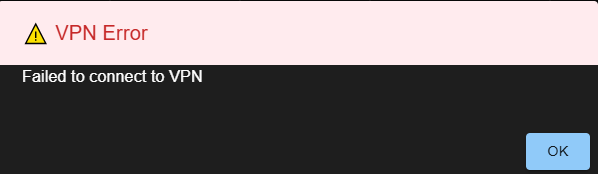
-
The Atra VPN Client requires an active internet connection to authenticate your account and establish a VPN tunnel.
-
If your connection is unstable, switch to a reliable network for better VPN performance.
-