
Account Menu & Profile Options
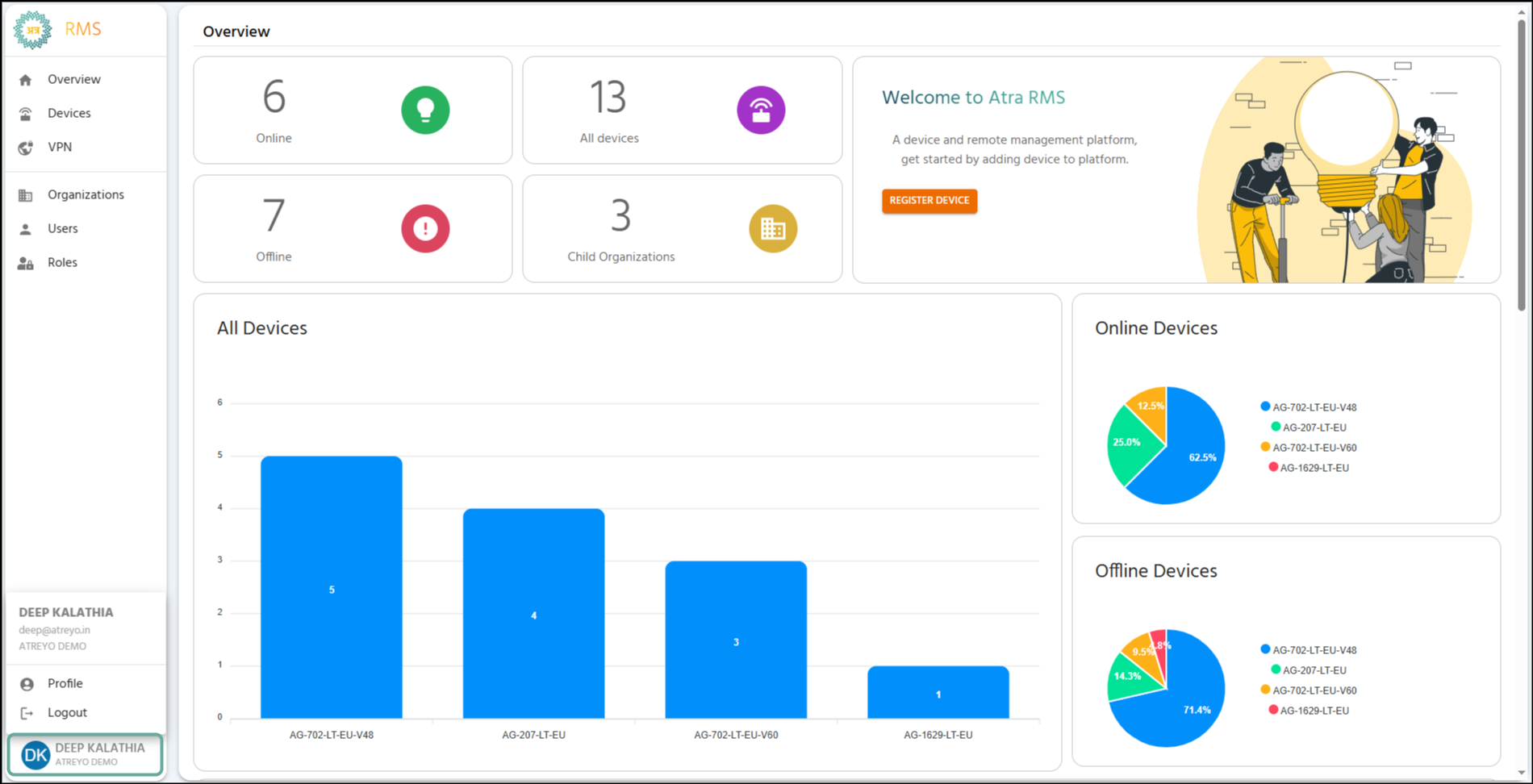
📝 User Information Display
The top section of the pop-up menu shows the currently logged-in user’s details:
-
Name: The user’s full name.
-
Email: The user’s registered email address.
-
Organization: The organization the user belongs to.
⚙️ Available Actions
-
Profile (Person Icon): Click to navigate to the user’s detailed Profile page (currently only displays the user name).
-
Logout (Exit Icon): Click to sign out of the Atra-RMS platform and return to the login page.