
Child Organization Creation Guide
Follow these steps to create a new child organization under your current organization.
Step 1: Navigate to Creation Form
-
Click "Organizations" in left sidebar menu
-
Click "+CREATE" button (Teal, top-left corner)
-
"Create New Organization" page loads
Step 2: Complete Organization Form
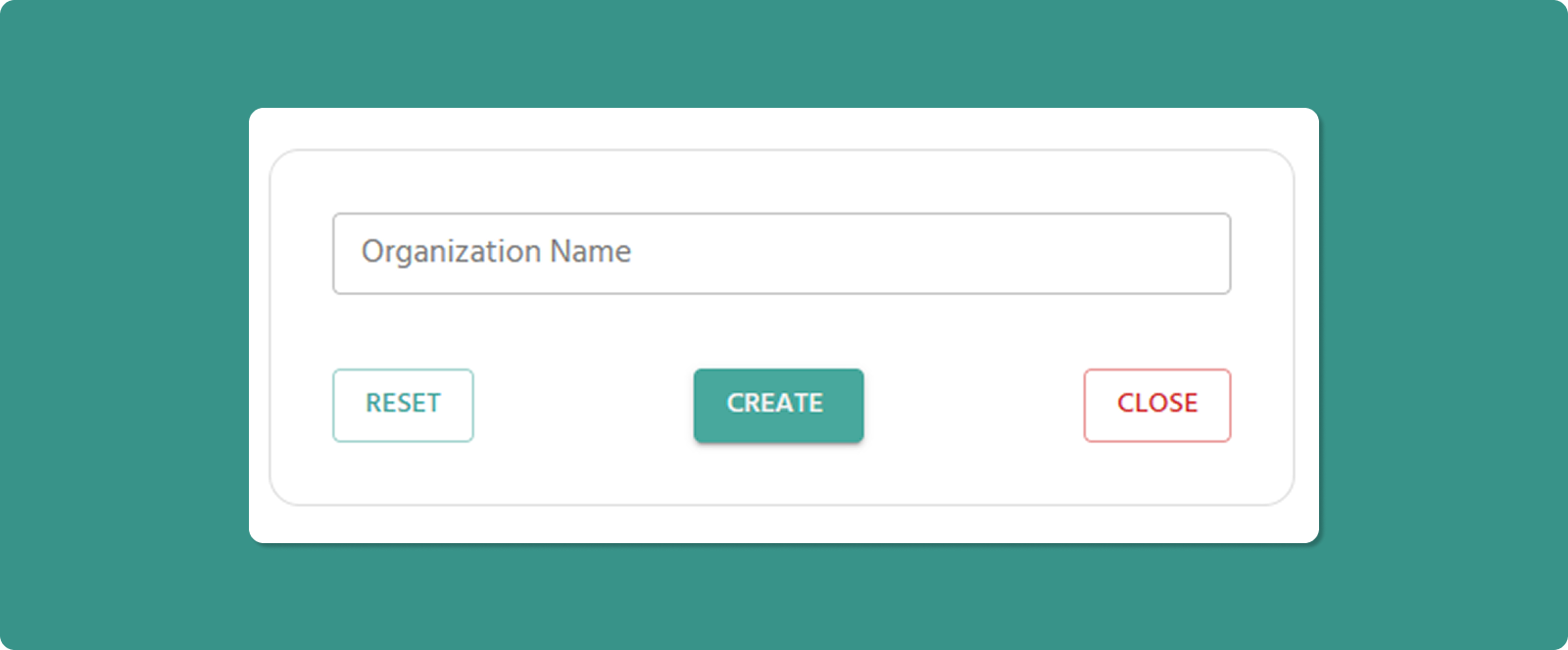
Organization Name (Required)
Input Rules:
-
Length: 3-40 characters
-
Allowed: Letters, numbers, spaces, periods (.), underscores (_), hyphens (-)
-
Not allowed at start/end: Period (.), underscore (_), hyphen (-)
-
No consecutive special characters: Avoid org..name or org--name
Examples:
-
✅ Atreyo Research and Development LLP
-
✅ Reliance Industries
-
✅ Google Cloud Platform
-
✅ Mumbai_Branch_Office
-
❌ _Organization (starts with underscore)
-
❌ Org..Name (consecutive periods)
-
❌ Department- (ends with hyphen)
💡 Naming Best Practices:
-
Use clear, descriptive names reflecting business structure
-
Consider geographic location: "Mumbai_Office", "Delhi_Warehouse"
-
Consider function: "R&D_Lab", "Production_Floor_A", "Sales_Team_North"
-
Maintain consistent naming convention across all organizations
Step 3: Submit Form
Important Notes
Automatic Parent Assignment:
⚠️ The new organization you create will automatically become a child of your current organization (the one the logged-in user belongs to).
Example:
-
You belong to: "ATREYO" (Level 1)
-
You create: "AMC"
-
Result: "AMC" becomes Level 2 child under "ATREYO"
Cannot Choose Parent:
-
You cannot select a different parent organization
-
New organization always created under your current organization
-
To create under different parent, switch to that organization first
After Creation
Immediate Effects:
-
New organization appears in Child Organizations list
-
Organization is assigned Level = (Your Level + 1)
-
You can now:
-
Register devices to this organization
-
Create roles specific to this organization
-
Invite users to this organization
-
Create further child organizations under it (Level 3)
Next Steps:
-
Create Roles: Define permissions specific to this organization
-
Invite Users: Add team members to the new organization
-
Register Devices: Assign devices to the organization