
Signing In to the Atra VPN App
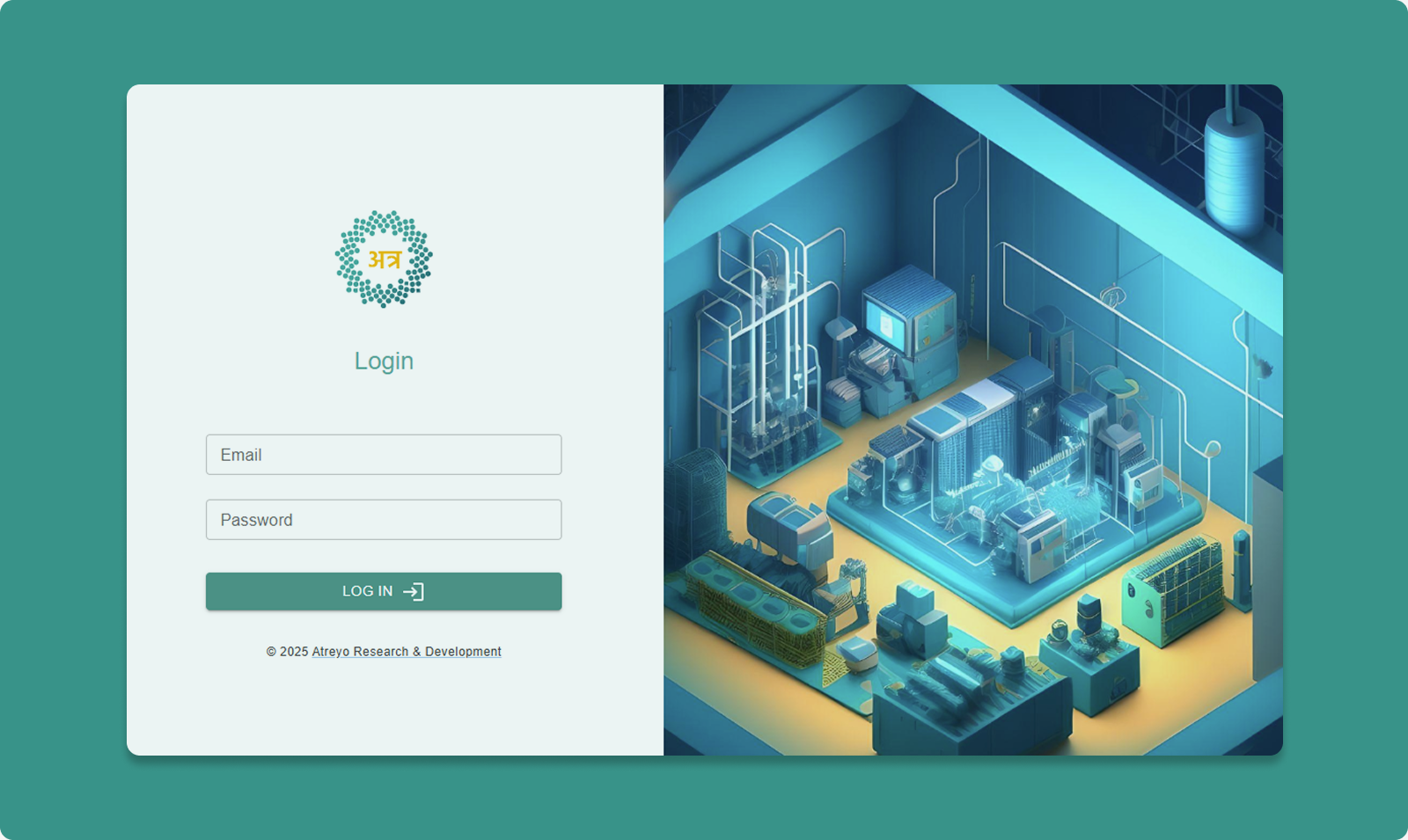
First-Time Login
Step 1: Enter Credentials
Use the same credentials as Atra RMS web platform.
Email Field:
-
Enter your registered email address
-
Example: user@company.com
Password Field:
-
Enter your Atra RMS password
Step 2: Click Login
Authentication Success
Upon successful login:
-
Main dashboard displays
-
VPN tunnels list loads
-
Associated organization shown
-
Profile avatar appears (top-right)